Find Your Next Card or Start Selling
Choose Buy cards or Sell cards, browse cards under $20, and understand daily discovery stories.
Choose what comes next
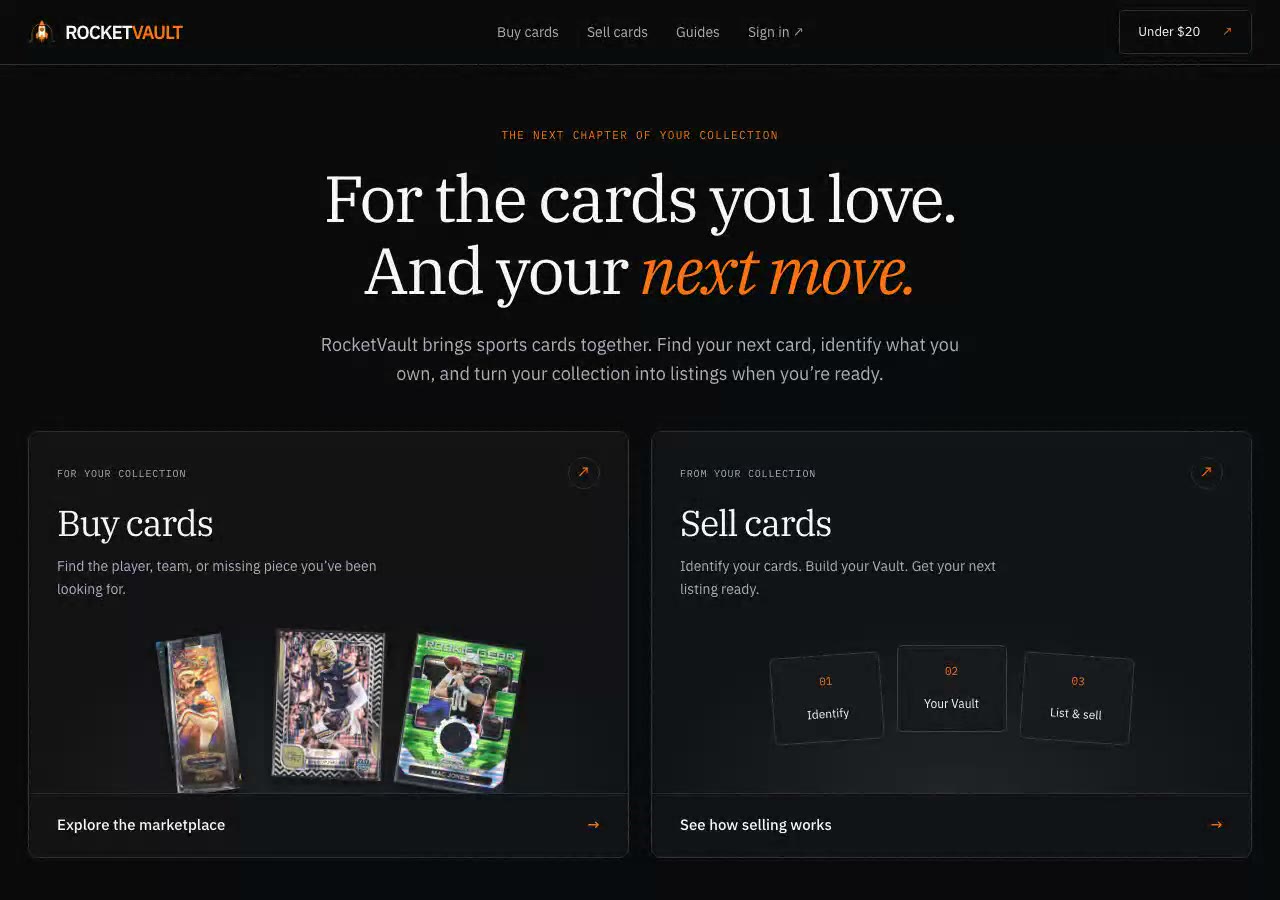
Start at rocketvault.io. Buy cards opens RocketVault Marketplace. Sell cards explains how to identify your cards, organize your Vault, prepare a listing, and manage selling from the same card record. Both choices are available on a phone or computer.
You can browse public card listings without signing in. Collection and selling tools need an account. The marketplace shows whether checkout is available. See Buying Cards on Marketplace before buying.
Browse cards under $20
Choose Under $20 in the marketplace price filters. This shows cards with an asking price below $20, up to $19.99. Shipping and tax are separate. Other filters, such as player or sport, work with this price filter.
Choose the Under $20 × chip to remove the limit. Your other filters stay in place. Open a card and use Back to results to return to your search.
Read daily discovery stories
When daily discovery is available, player and seasonal stories appear above the unfiltered card results. Each story connects recent sports coverage to available public listings. Choose Explore the cards to browse that player or sport. A card photo can show an earlier team, uniform, or season.
Open Sources & why these cards to read the source links and the story's check and expiry times. A source is context for browsing; coverage does not predict a card's future value. Stories need dated source evidence when they are prepared. A story disappears when it expires or no matched cards remain available. Source pages may later change or stop working. Some days may have no stories. You can keep searching and filtering cards.
Start with your own cards
Visit Sell cards to explore the four steps. Add photos, review the suggested card details, organize your inventory, and prepare a listing draft. Check the condition, asking price, and shipping before you publish. RocketVault Marketplace is the main selling destination; eBay is an optional integration. See Getting Started for Sellers.
Buying Cards on RocketVault Marketplace
Browse without signing in, see the final total, check out as a guest, and manage your purchase.
Getting Started for Sellers
A step-by-step guide for sellers — scan, price, list, and manage your card business with RocketVault or eBay.
Uploading Cards
Learn how to upload card images individually using drag-and-drop, the file browser, or your phone camera.
Selling on RocketVault Marketplace
List cards from your Vault, choose how you ship, see what you will earn, and keep eBay listings in sync.